Ahonui
Ahonui vs the apps you already tried
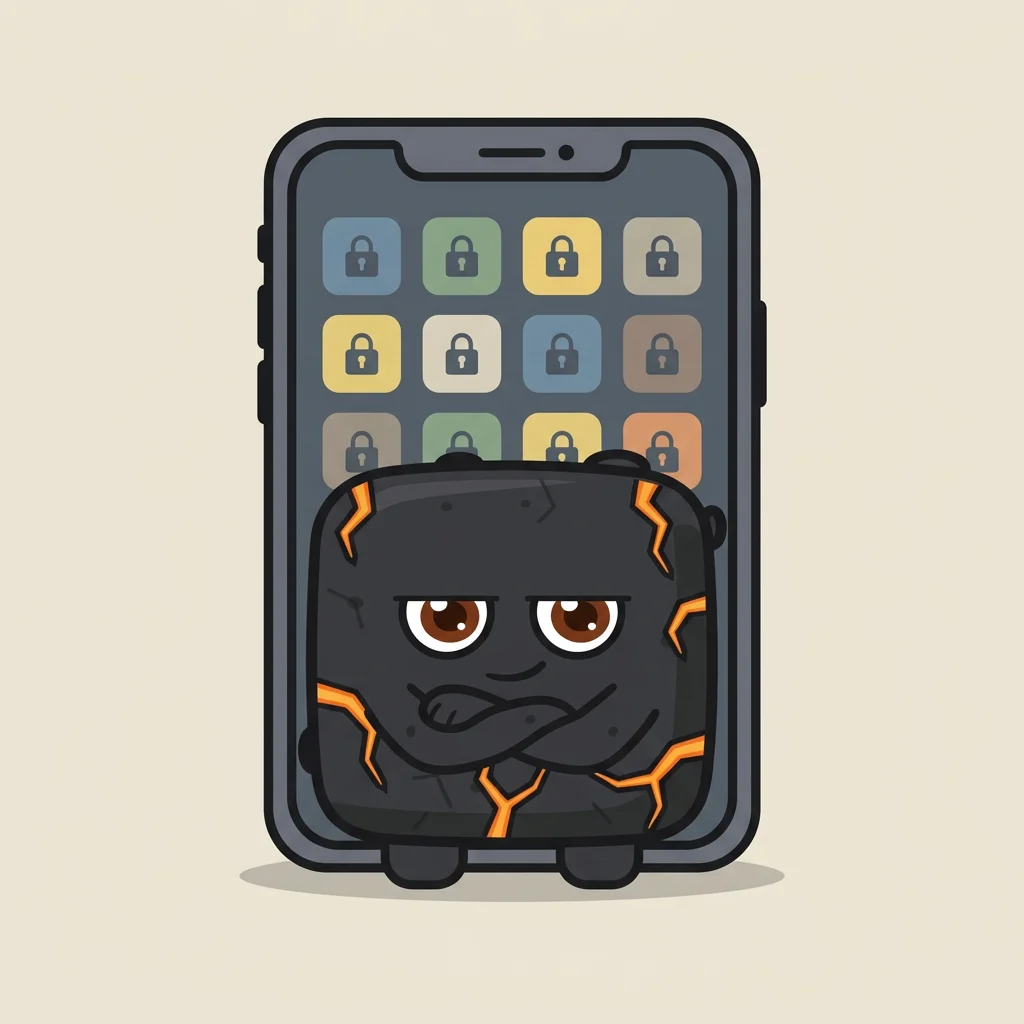
Blockers block your apps on a timer. Trackers count your habits. Ahonui blocks your apps until the habit is done.
| Ahonui. | Opal | Screen Time | Brick | Zero | Lifesum | Streaks | |
|---|---|---|---|---|---|---|---|
| Blocks apps | Yes | Yeson a schedule, a timer or a limit | Yeson a schedule or a limit | Yesuntil you tap the Brick again | No | No | No |
| Unblocks when you do the habit | Yes | No | No | No | No | No | No |
| How you get around it | A gem gets you 15 minutes, but your friends might troll you for using it | Not in Hard Mode, except one emergency pass a week | Tap Ignore Limit | Tap the Brick, or use one of five Emergency Unbricks | Nothing is blocked | Nothing is blocked | Nothing is blocked |
| What it tracks | Fasting, water, sleep, weight, movement, meals, meditation, medication, and habits you check off yourself | Nothing. It guesses your sleep from phone use | Screen time only | How long you stay blocked | Fasting, meals, water | Meals, weight | Up to 24 tasks, some from Apple Health |
Pick the app you're leaving
-
The Brick alternative that opens when the habit is done
Brick blocks your apps until you tap your phone on it. Ahonui blocks them until your habit is done, and checks it in Apple Health.
-
The Opal alternative that knows if you went for the run
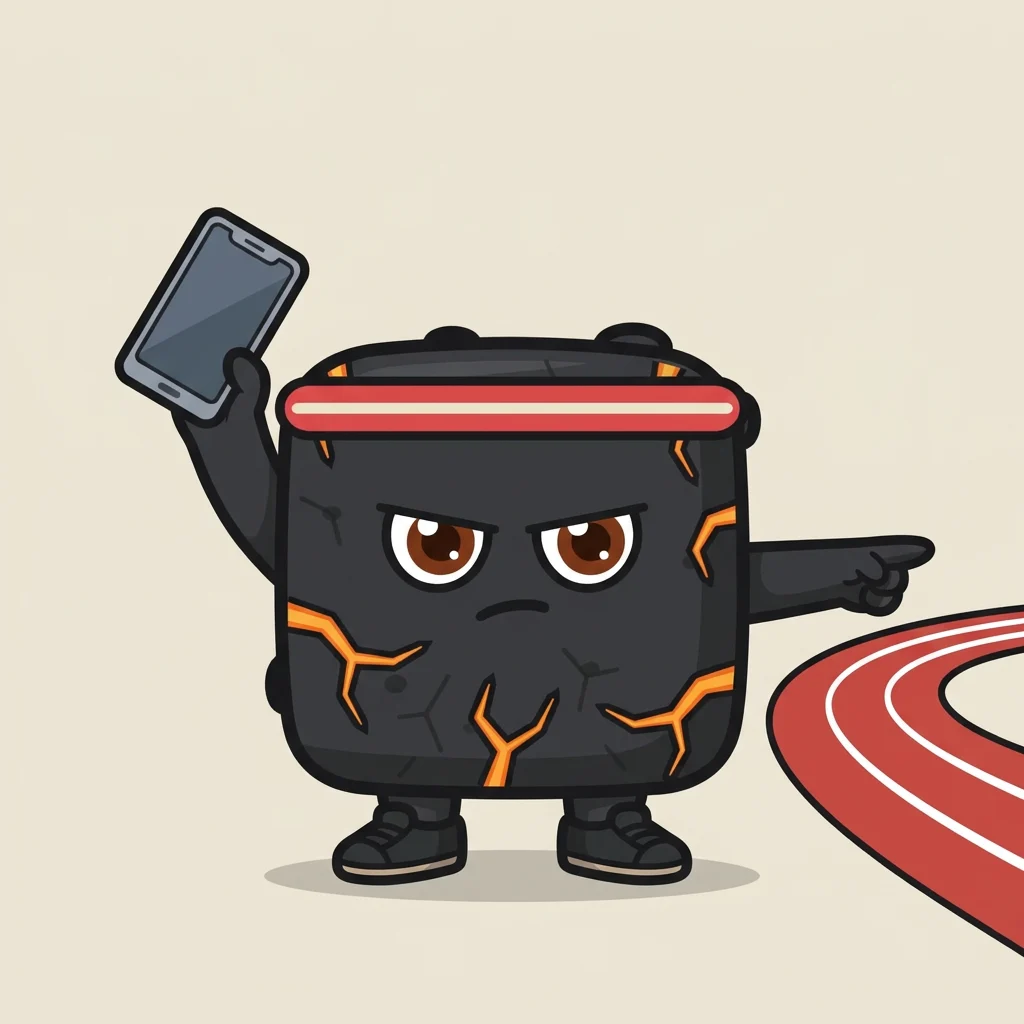
Opal and Ahonui both block the apps you scroll. Opal unblocks them when the timer ends. Ahonui unblocks them when your workout shows up in Apple Health.
-
A Screen Time alternative you cannot just ignore
Screen Time is free and built into your iPhone, but you can tap right past it. Ahonui keeps the app blocked until your habit is done.
-
The Streaks alternative that blocks the app until it is done
Streaks reads Apple Health and ticks the habit off for you. Ahonui reads it too, and keeps the apps you pick blocked until the habit is done.
-
The Zero alternative that makes you finish the fast
Zero times your fast. Ahonui times it too, and keeps the apps you pick blocked until the fast is done.