 Ahonui
Every health app asks nicely.
Then it sends a notification, and you swipe it away with the same thumb that opens Instagram.
So we stopped asking.
No exercise, no Instagram.

Instagram · blocked until 30 minutes of exercise
0of 30 min
Try to open it

Instagram unblocks after a workout
18 minutes to go.
Moved. Done.
Instagram is unblocked.
The block, on your phone
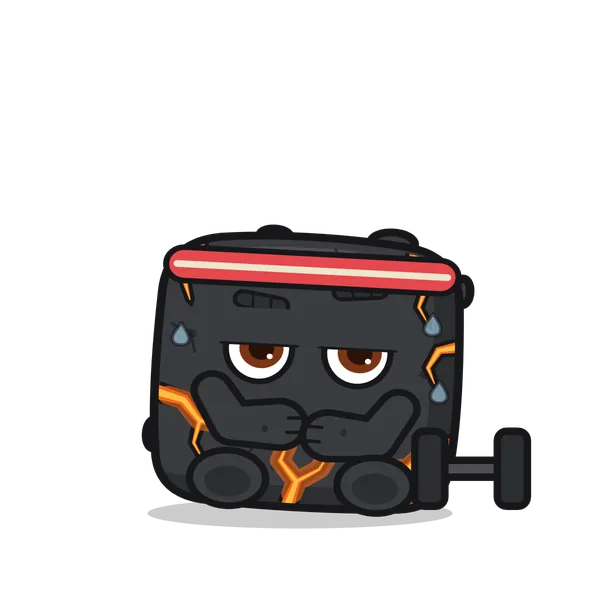 Halfway
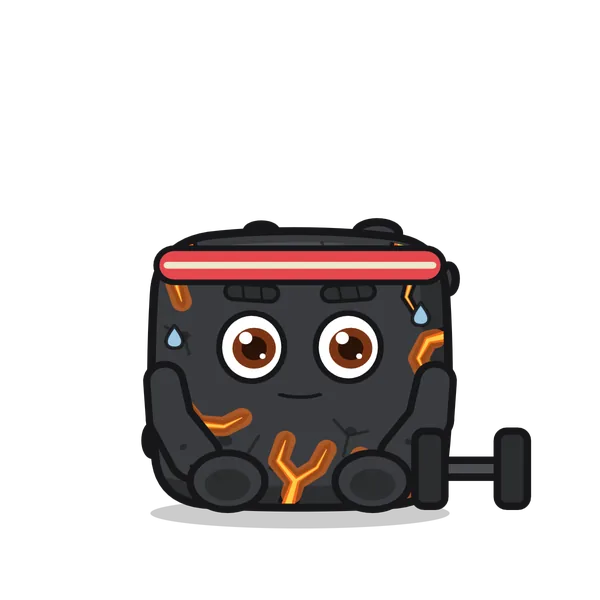 Nearly
 Done
Done
Your apps unblock when the habit's actually done, not when a timer runs out.
Ahonui reads Apple Health, so a run you record in Strava counts on its own. Nothing to log twice.
Need an app before you're done? Spend a gem for 15 minutes. Your friends can see that you did.
In the app
All your habits on one screen.
Today
Tuesday, September 15Arrange
- 40of 64 oz+16 oz
- 1,840kcalLog
- 13:48of 16hEnd
- Take a break
Habits 2 of 5
- Fasted13:48 / 16h
- Moved22m / 30m
- Hydrated40 / 64 oz
- Weighed inDone
- Slept7h 30m / 7h
Friends
- MMaya
- NNoa
- LLani
- JYou
Hydrated
Today12-day streak
40 oz Log 16 oz
24 oz to go
The goal
64 oza day
Reach this and the habit is done for the day.
On the way
- ✓
16 ozby 9:00 AM
- ✓
32 ozby 1:00 PM
64 ozthe goal
+ Add a milestone

12
Hydrated, 12 days in a row
You can still save it.
Hydrated wasn't done on Thursday, so the streak ended.
Maya sent you a streak cover for a day like this.
Cover Thursday
No thanks
Getting started
Four short videos, nine minutes in all.
-
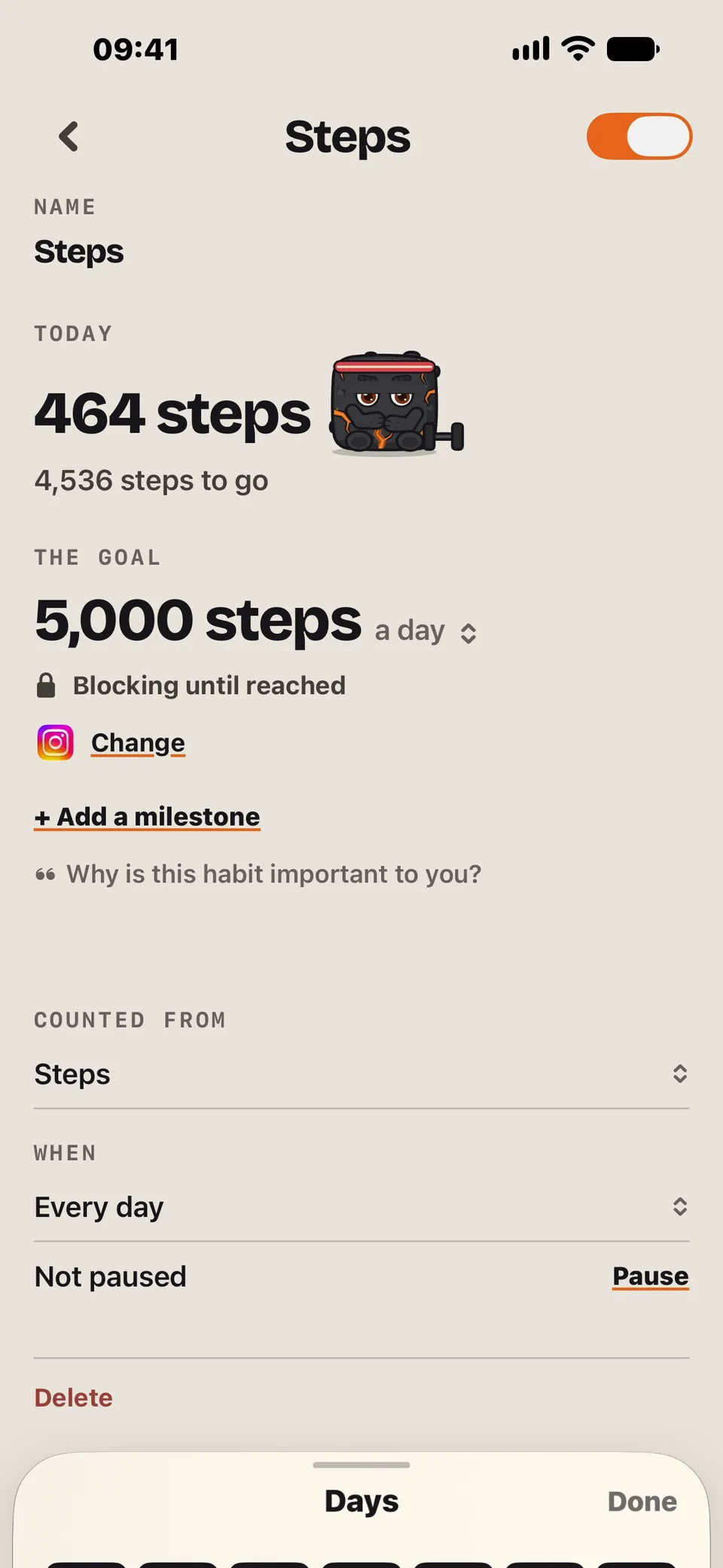
01Set up a habit
Pick a habit, set the goal, and choose the apps to block.
1:33
-
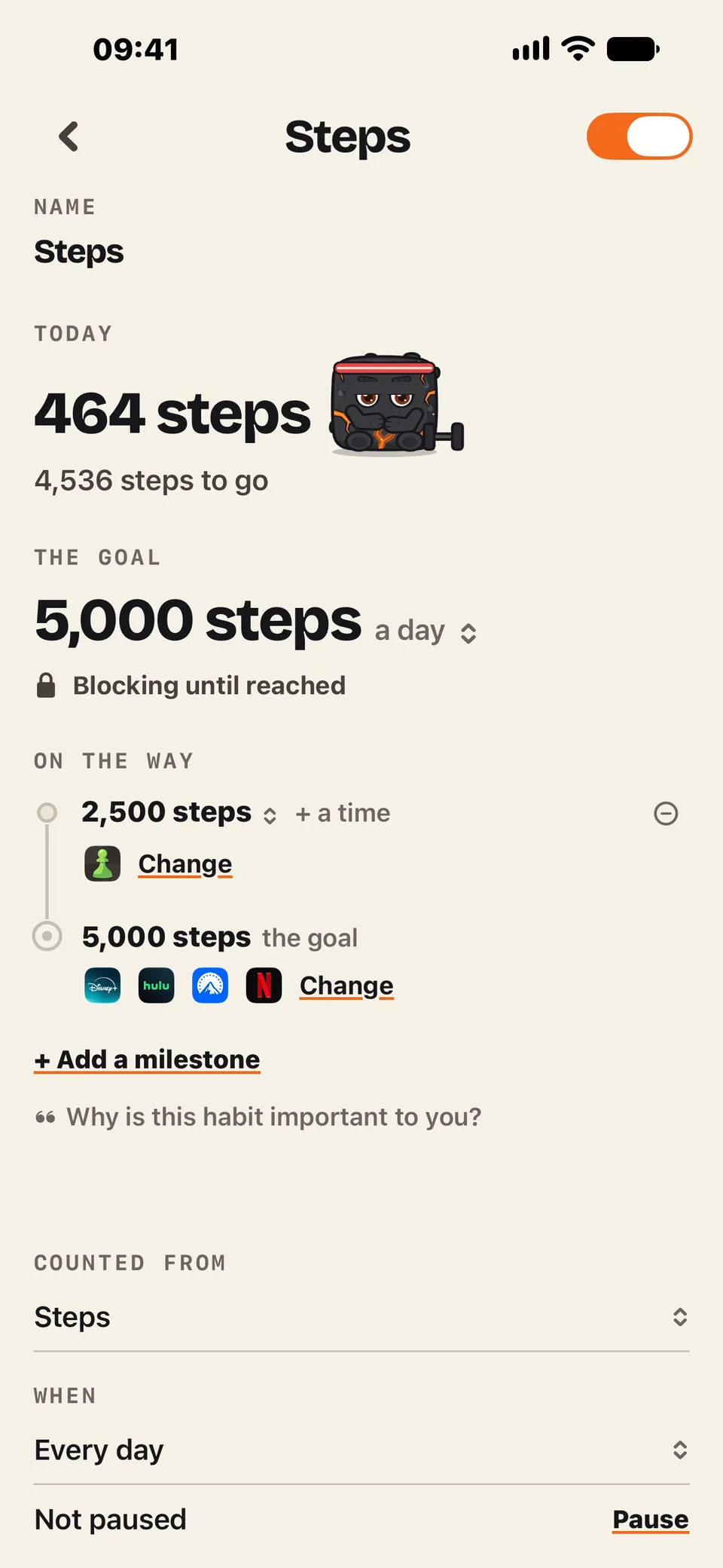
02Add a milestone
A smaller goal along the way that unblocks some apps early.
1:24
-
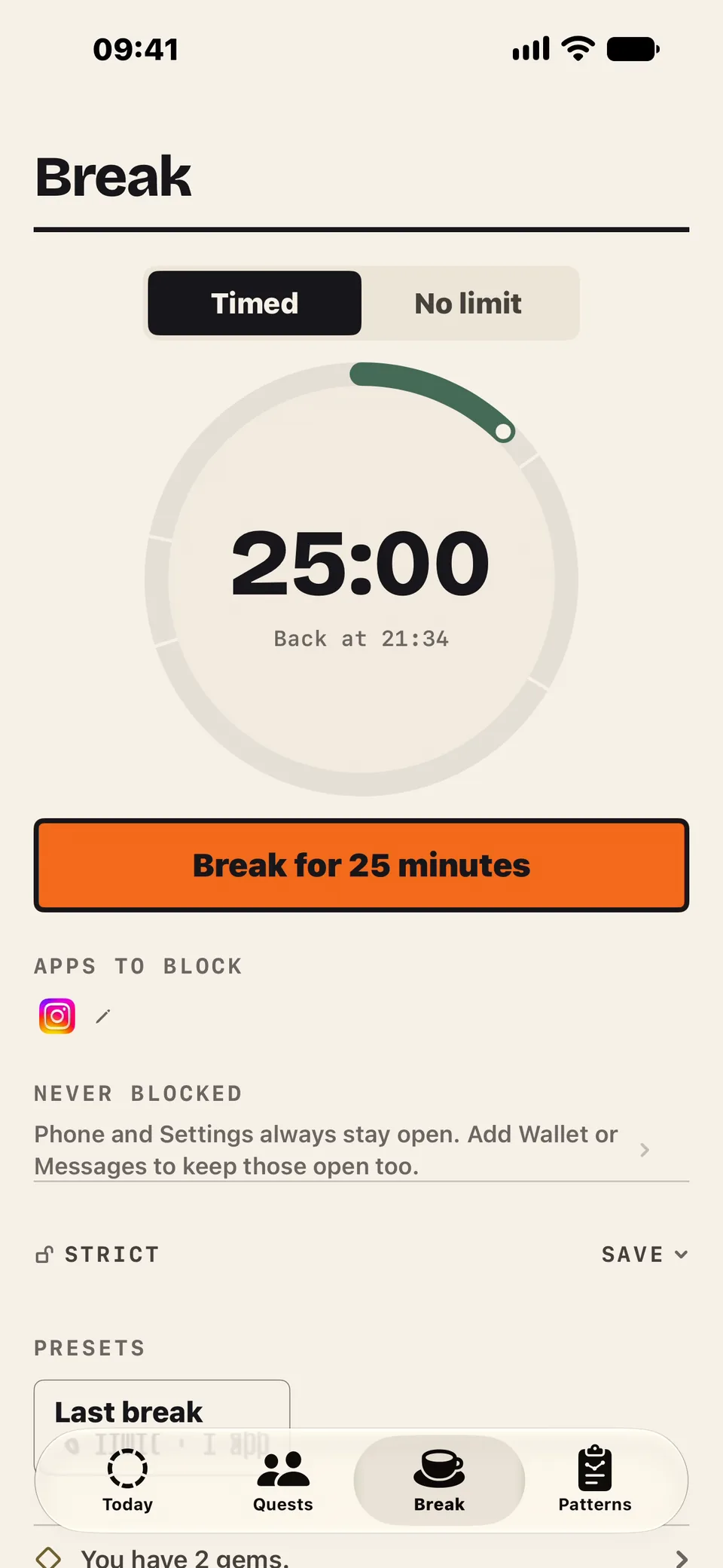
03Take a break
Block apps for a set time. On strict, you can't end it early without a gem.
2:59
-
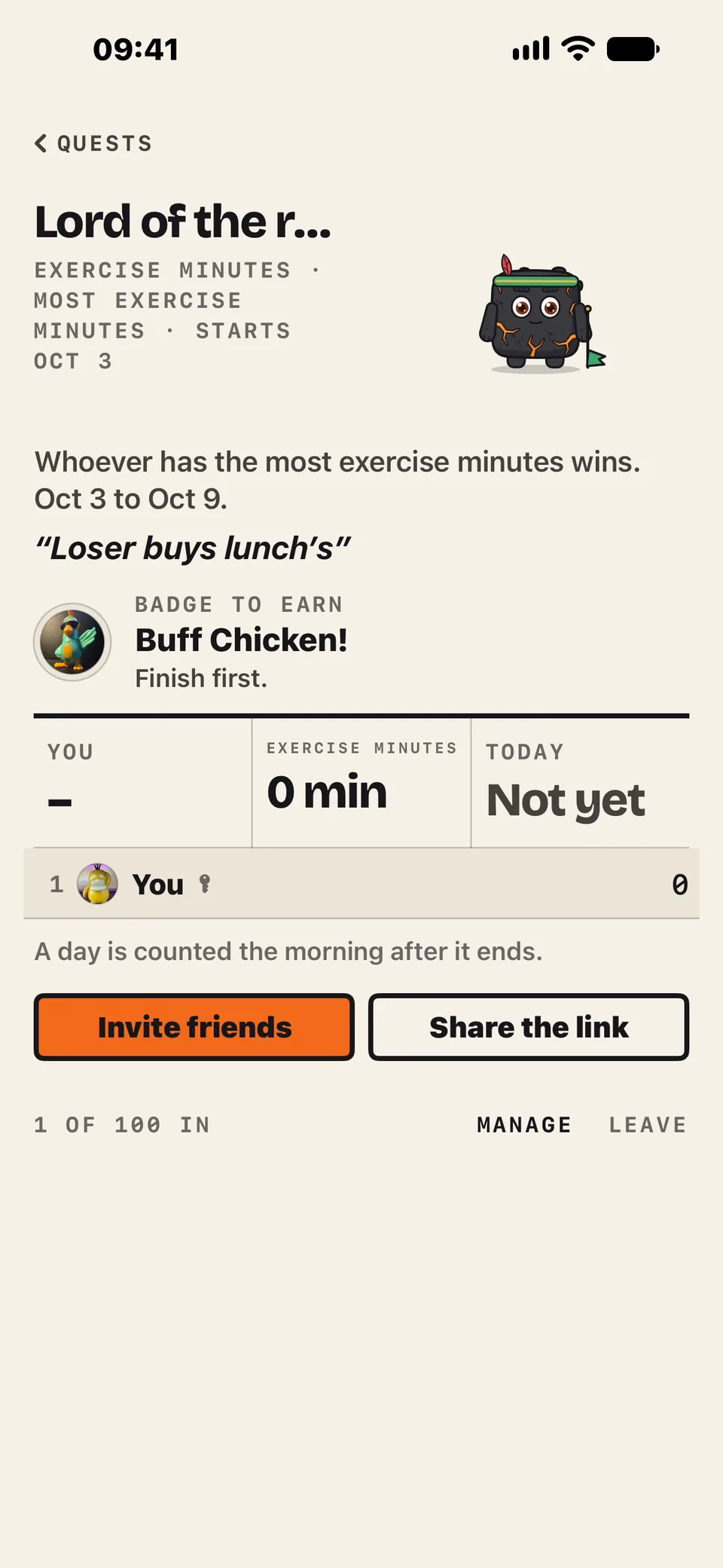
04Start a quest
Race your friends. Most minutes wins, loser buys lunch.
3:00


And nothing else does both
Zero tracks your fast. Opal blocks your apps. Ahonui blocks them until the fast is done.
| Ahonui | Opal | Screen Time | Brick | Zero | Lifesum | Streaks | |
|---|---|---|---|---|---|---|---|
| Blocks apps | Yes | Yes, on a schedule, a timer or a limit | Yes, on a schedule or a limit | Yes, until you tap the Brick again | No | No | No |
| Unblocks when you do the habit | Yes | No | No | No | No | No | No |
| How you get around it | A gem gets you 15 minutes, but your friends might troll you for using it | Not in Hard Mode, except one emergency pass a week | Tap Ignore Limit | Tap the Brick, or use one of five Emergency Unbricks | Nothing is blocked | Nothing is blocked | Nothing is blocked |
| What it tracks | Fasting, water, sleep, weight, movement, meals, meditation, medication, and habits you check off yourself | Nothing. It guesses your sleep from phone use | Screen time only | How long you stay blocked | Fasting, meals, water | Meals, weight | Up to 24 tasks, some from Apple Health |
Seven days free. Then one plan.
You get everything at either price. No tiers, no add-ons, and you're not charged until the seven days are up.
iPhone, iOS 26.5 or later. Cancel any time in Settings. Apple takes the payment, so we never see your card. More in the privacy policy.
A yearSave 44%
$8.33a month
$99.99, billed once a year
A month
$14.99a month
Billed monthly. Stop any month.
- Works offline. Blocks, water and check-ins all work without a signal.
- Your health data stays in Apple Health. Meal photos stay with the meal.
- Our analytics never include your name, your medication or which apps you block, and we never sell them.
- Delete your account any time, in Settings.
Ahonui is Hawaiian for patience. Literally, a long breath. One day at a time.